
Start with what you need the Mac to do
A damaged MacBook does not automatically need replacing. Equally, a repair is not always the best use of your money. Start with how the computer performed before the fault. Was it comfortably handling your work, study and everyday tasks, or were you already looking for more memory, storage or speed?
A repair that restores a machine you were happy with is a different decision from spending the same amount on one you had already outgrown. Write down the applications you rely on, the portability you need and any problems you were tolerating before the current damage.
Get a defined repair scope
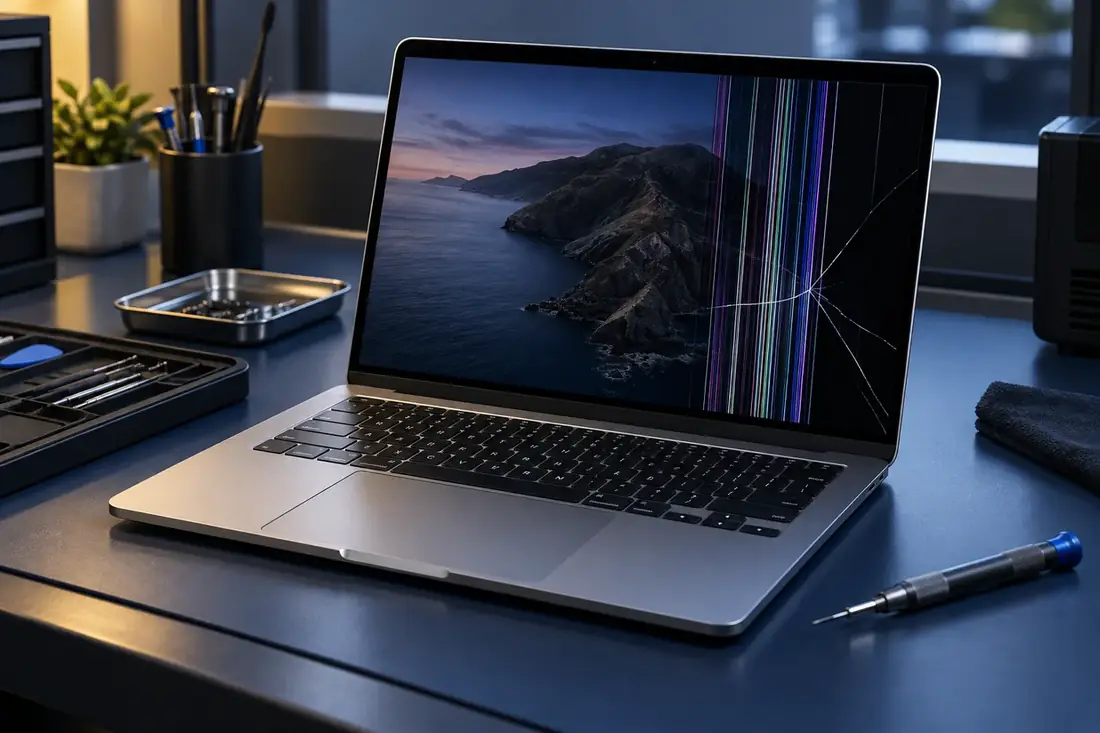
Ask for a quote for the actual fault and establish whether there are other issues. A cracked screen on an otherwise working Mac is not the same situation as a device with a cracked screen, unreliable charging and previous liquid damage. The total work matters more than the first price you see.
For context, Beacon Tech Pro lists A2337 screen replacement at $731.50 and A2338 at $907.50, installed and including GST. Other faults are extra. These figures can help frame a conversation, but they are not a price for every MacBook or every display problem. Confirm your model and the full scope.
Compare realistic alternatives
Compare the repair quote with a replacement that actually meets your needs. Include the storage and memory you require, not just the cheapest advertised laptop. If considering a used device, ask about its condition, battery, service history and what is included. An attractive purchase price is only one part of the comparison.
There is also the time involved in moving files, installing software and getting back to work. These are practical considerations rather than a reason to repair at any cost. If you need a computer immediately, compare confirmed availability for both options instead of assuming either will be instant.
Check software and parts support
Before investing in an older Mac, check whether it supports the software you need now and expect to use next. Use the application's current requirements and Apple's information for your exact model. A working screen will not solve an application compatibility limitation.
Apple's service availability guidance distinguishes older products by the time since Apple last distributed them, with parts availability affecting service options. That is a reason to ask specific questions about your model, not to assume that every older Mac is unrepairable. Confirm what part is available and the proposed repair details.
Choose based on the whole picture
Repair deserves serious consideration when the fault is defined, the total cost makes sense and the Mac still does what you need. Replacement may be more practical when several expensive issues overlap or your requirements have changed. There is no percentage rule that makes the right decision for everyone.
For an informed starting point, send Ethan your model number and fault description at ethan@beacontech.com.au or call 0412 942 239. Ask for the repair scope and installed price, then compare that with your real replacement options.