
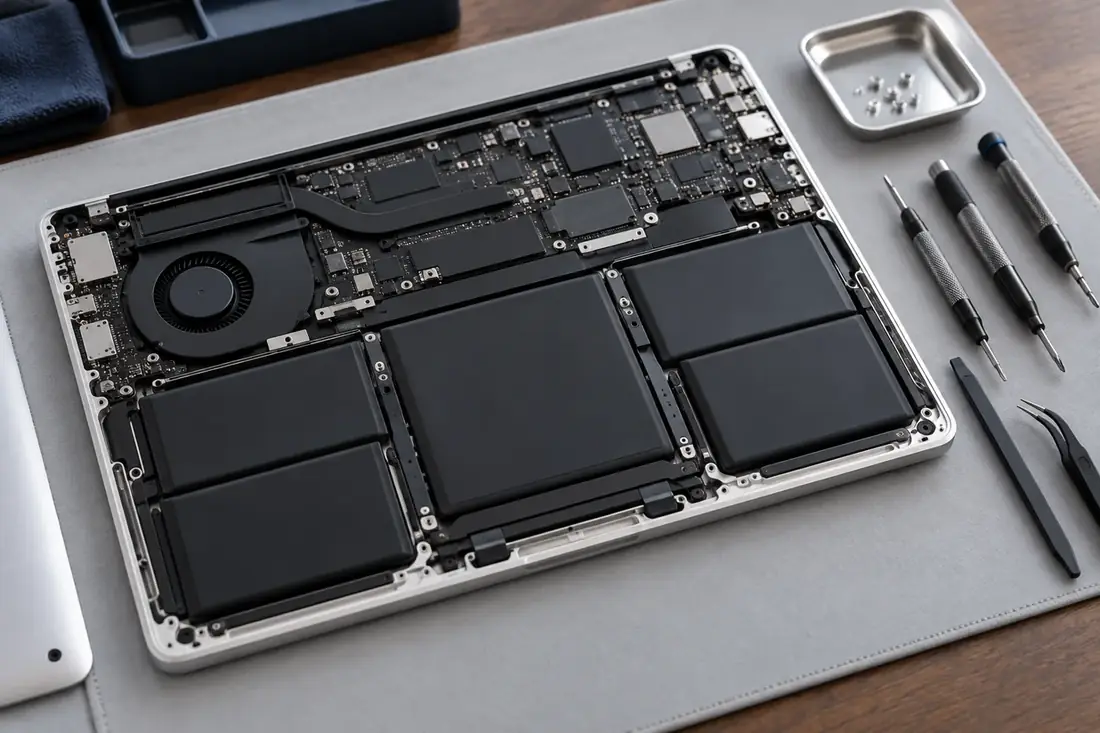
Shorter runtime is worth investigating
If your MacBook used to last through a meeting and now needs its charger halfway through, it is worth checking the battery information. Begin with what has changed: the time between charges, the applications you are using and whether the issue started suddenly or developed gradually.
Short runtime alone is not enough to choose a replacement battery. A repair enquiry is more useful when it describes what happens in everyday use. Note whether the Mac starts normally, whether it charges and whether it behaves differently with the charger connected. You do not need to open the laptop.
Check the status reported by macOS
Apple directs users to Battery in System Settings to check Battery Health on supported Macs. ‘Service Recommended’ means the battery holds less charge than when new or is not working normally. That message is a reason to discuss service if the reduced performance affects you; it is not a diagnosis of every charging problem.
Record the message exactly as shown and send it with your model number. Older Macs and software versions may present battery information differently. If the option is not visible, avoid relying on a random third-party app as a conclusive diagnosis. Apple's support guide explains the available checks.
Charging behaviour needs context
Apple notes that charging can pause because of optimised battery charging. An unsuitable power adapter can also charge a Mac slowly or unreliably. When making an enquiry, mention the charger and cable being used and whether the same problem occurs consistently.
A useful description might be: ‘It runs on the charger but shuts down soon after I unplug it,’ or ‘It shows charging on hold while connected to power.’ Those are different observations. Ask whether to bring the charger with the laptop so the appointment can address the complete setup.
Do not attempt a battery repair at home
Built-in laptop batteries are not a suitable trial-and-error repair. Do not puncture, bend or try to pry out a battery. If the case is visibly lifting, the device looks swollen or you suspect physical battery damage, stop using and charging it and contact a qualified repair provider for handling advice. Do not press the case closed.
A normal reduction in runtime is different from visible damage. Explain the symptoms before travelling with the device so you can receive appropriate instructions. This guide is intended to help you describe a problem and arrange service, not to walk you through opening a MacBook.
What to ask when requesting a quote
Send the model, battery status and a short account of the problem. Ask what the proposed replacement includes, which part will be used, the installed price and expected availability. If another fault is suspected, ask how assessment and any additional work will be agreed before proceeding.
Ethan at Beacon Tech Pro can discuss your Mac repair enquiry on 0412 942 239 or ethan@beacontech.com.au. The workshop is in Beacon Hill. If your Mac is safe to use, make a backup before the appointment and mention any important files you cannot currently access.